文本的秩序审核
本章节介绍如何监听虎牙小程序的秩序审核,属于虎牙小程序内容规范的一部分。
- 为了防止违规内容的出现,虎牙小程序开发者应当对一些敏感信息进行过滤;
- 为了保证小程序中出现的信息不含有政治敏感、色情、暴力血腥、恐怖内容及国家法律法规禁止的其他违法内容。
其中主播端向观众端传递信息的渠道,一个是通过hyExt.observer.emit给观众端小程序广播信息,另一个则是通过白板在屏幕上展示信息给所有观众,两者都应当对传递的信息进行相应的秩序审核。
准备工作
参考创建小程序项目,初始化一个小程序项目,其中小程序类型选择:
- 虎牙直播主站-面板
- 虎牙直播APP-面板
- PC主播端-面板
参考创建小程序,创建一个小程序和创建一个开发版本。
新增示例组件
新增streamer/common.js和streamer/common.hycss两个文件
streamer/common.js:
import React, { useState, useEffect } from "react";
import { UI } from "@hyext/hy-ui";
import "./common.hycss";

const { View, Text, Input, Button } = UI;
export const Example = () => {
  const [sendMessage, setSendMessage] = useState("");
  const [sendResult, setSendResult] = useState("暂无发送");

  const emitMessage = function () {
    hyExt.order
      .reportText({ text: sendMessage })
      .then((res) => {
        setSendResult("发起小程序文本秩序审核成功", res);
      })
      .catch((err) => {
        setSendResult("发起小程序文本秩序审核失败", err);
      });
  };

  return (
    <View className="container">
      <View className="section">
        <Input
          className="input"
          blurOnSubmit={false}
          placeholder="请输入需要秩序审核的文本"
          value={sendMessage}
          onChange={(v) => setSendMessage(v)}
        />
      </View>
      <View className="section">
        <Button className="button" onPress={() => emitMessage()}>
          文本秩序审核
        </Button>
      </View>
      <View className="section">
        <Text className="text">审核结果:{sendResult}</Text>
      </View>
    </View>
  );
};
streamer/common.hycss:
.container{
  margin-top: 200px;
  height: 300px;
  display: flex;
  flex-direction: column;
  justify-content: space-between;
  align-items: center;
}
.button {
  height: 100px;
  width: 400px;
  background-color: rgb(253, 69, 69);
  border-radius: 50px;
}
.input {
  width: 600px;
  height: 80px;
  border: gray solid 3px;
  border-radius: 20px;
}
其中:
- 使用React.useState()记录主播端需要发送审核的文本信息、秩序审核的结果信息。
- 主播端点击按钮触发自定义的emitMessage()方法向虎牙平台发起内容审核,审核通过后的信息才能成功被广播。
在小程序中使用组件
- 修改
streamer/app.js:
--- a/streamer/app.js
+++ b/streamer/app.js
@@ -1,5 +1,6 @@
 import { UI } from '@hyext/hy-ui'
 import React, { Component } from 'react'
+import { Example } from './common'
 import './app.hycss'

 const { View, Text } = UI
@@ -7,7 +8,9 @@ const { View, Text } = UI
 class App extends Component {
   render () {
     return (
-      <View className="container"><Text>hello world</Text></View>
+      <View className="container">
+        <Example />
+      </View>
     )
   }
 }
在直播间中预览
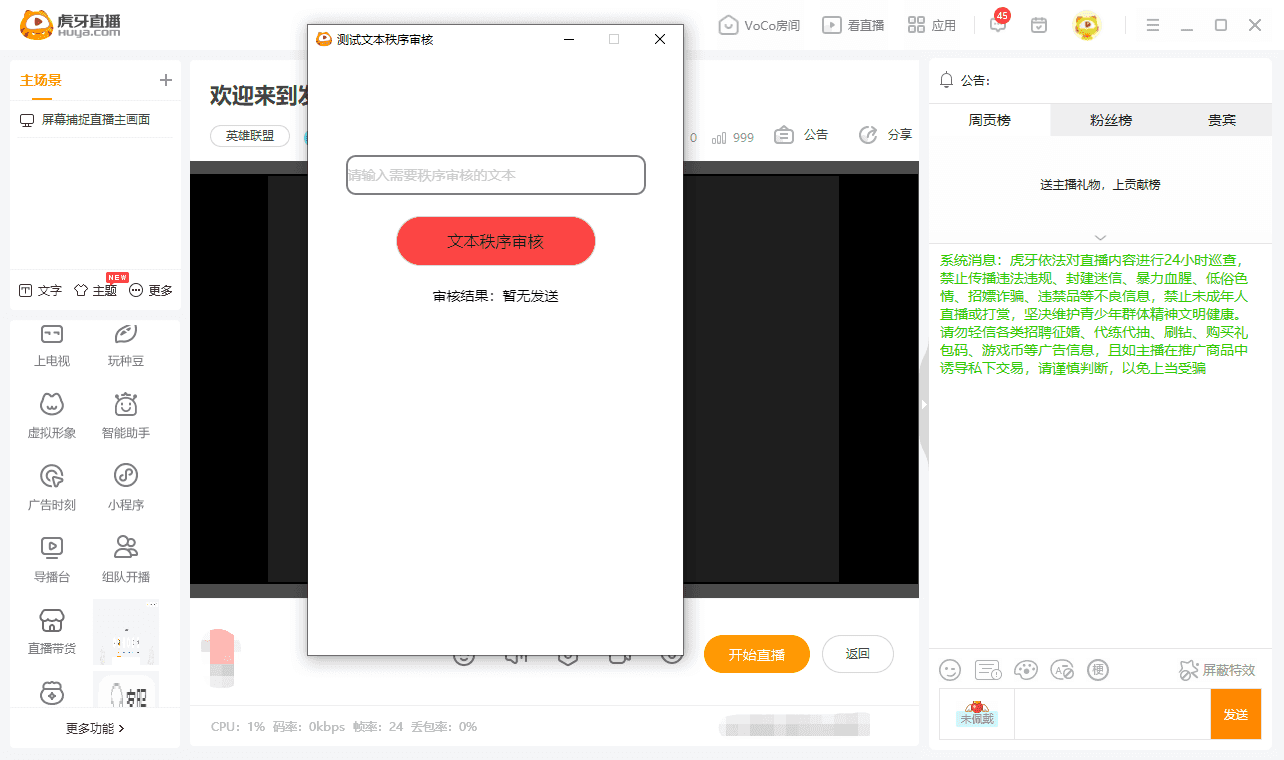
参考在直播间预览的方式,运行npm start,启动开发服务,在直播间添加开发版小程序,使用PC主播端打开小程序:
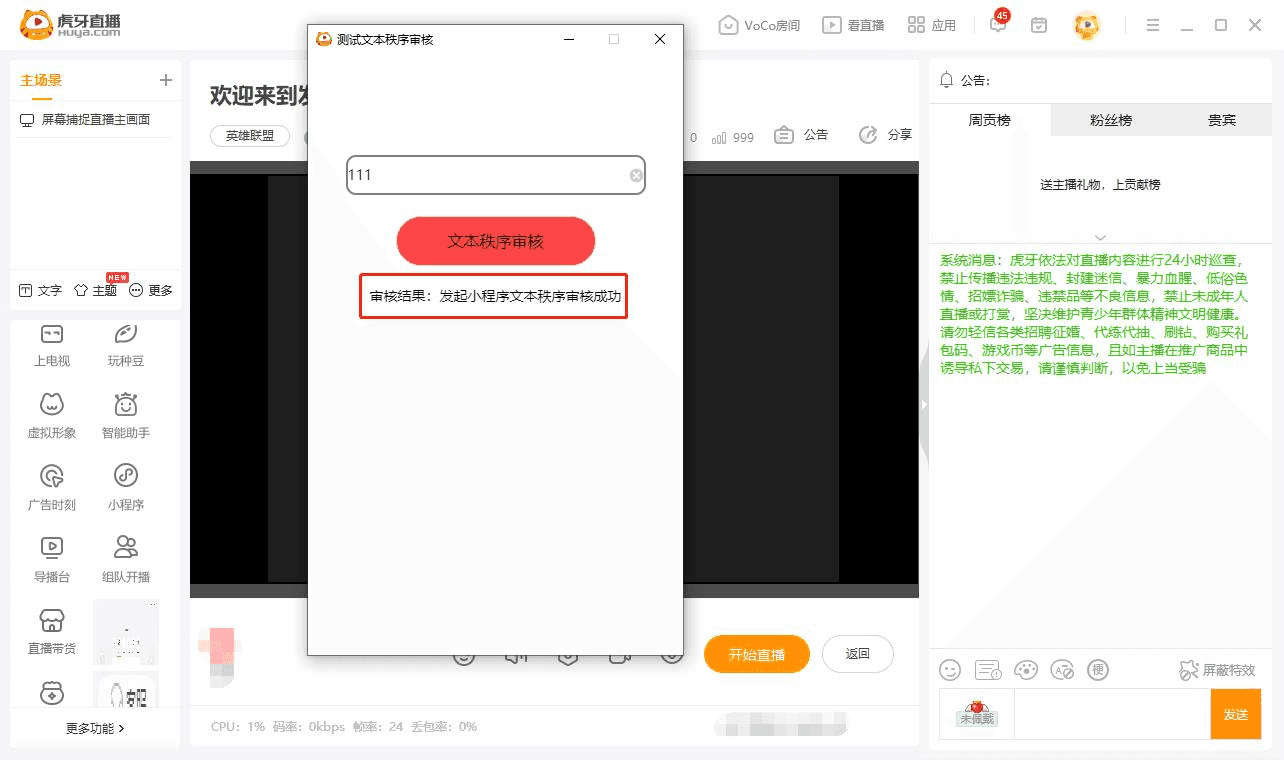
- 通过文本的秩序审核
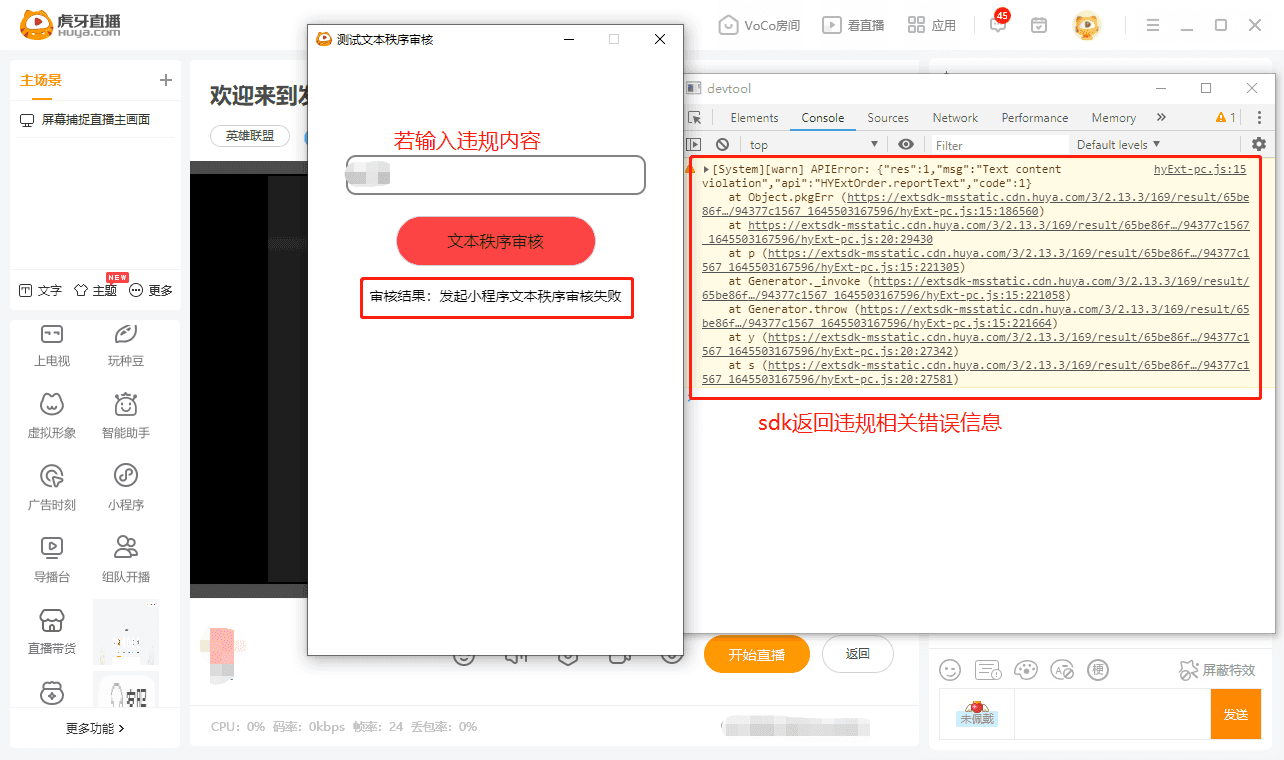
- 违规未通过文本的秩序审核