
生命周期
本章节介绍如何监听虎牙小程序的生命周期。
准备工作
参考创建小程序项目,初始化一个小程序项目,其中小程序类型选择:
- 虎牙直播主站-面板
- 虎牙直播APP-面板
- 虎牙助手APP-面板
参考创建小程序,创建一个小程序和创建一个开发版本。
如果在观众端直播间没有看到小程序入口,请参考小程序入口控制的相关内容在直播间中显示小程序入口。
新增示例组件
新建两个文件,src/common.js:
import React, { useState, useEffect } from 'react'
import { UI } from '@hyext/hy-ui'

import './common.hycss'

const { View, Text } = UI

export const Example = () => {
  const [appearCount, setAppearCount] = useState(0)
  const [disappearCount, setDisappearCount] = useState(0)
  const [enterForegroundCount, setEnterForegroundCount] = useState(0)
  const [leaveForegroundCount, setLeaveForegroundCount] = useState(0)

  useEffect(() => {
    hyExt.onAppear(() => setAppearCount(c => c + 1))
    hyExt.onDisappear(() => setDisappearCount(c => c + 1))
    hyExt.onEnterForeground(() => setEnterForegroundCount(c => c + 1))
    hyExt.onLeaveForeground(() => setLeaveForegroundCount(c => c + 1))
  }, [])

  return (
    <View className='example'>
      <Text>显示次数: {appearCount}</Text>
      <Text>隐藏次数: {disappearCount}</Text>
      <Text>进入前台次数: {enterForegroundCount}</Text>
      <Text>离开前台次数: {leaveForegroundCount}</Text>
    </View>
  )
}
src/common.hycss:
.example {
  width: 600px;
}
其中:
- 使用
React.useState()增加了几个计数器,计算生命周期触发的次数; - 使用
React.useEffect()在组件mount的时候,调用生命周期相关的接口,监听生命周期事件并计数; - UI显示这些计数的值;
在小程序中使用组件
修改viewer/app.js:
--- a/viewer/app.js
+++ b/viewer/app.js
@@ -1,5 +1,6 @@
 import { UI } from '@hyext/hy-ui'
 import React, { Component } from 'react'
+import { Example } from '../src/common'
 import './app.hycss'

 const { View, Text } = UI
@@ -7,7 +8,9 @@ const { View, Text } = UI
 class App extends Component {
   render () {
     return (
-      <View className="container"><Text>hello world</Text></View>
+      <View className="container">
+        <Example />
+      </View>
     )
   }
 }
streamer/app.js:
--- a/streamer/app.js
+++ b/streamer/app.js
@@ -1,5 +1,6 @@
 import { UI } from '@hyext/hy-ui'
 import React, { Component } from 'react'
+import { Example } from '../src/common'
 import './app.hycss'

 const { View, Text } = UI
@@ -7,7 +8,9 @@ const { View, Text } = UI
 class App extends Component {
   render () {
     return (
-      <View className="container"><Text>hello world</Text></View>
+      <View className="container">
+        <Example />
+      </View>
     )
   }
 }
在直播间中预览
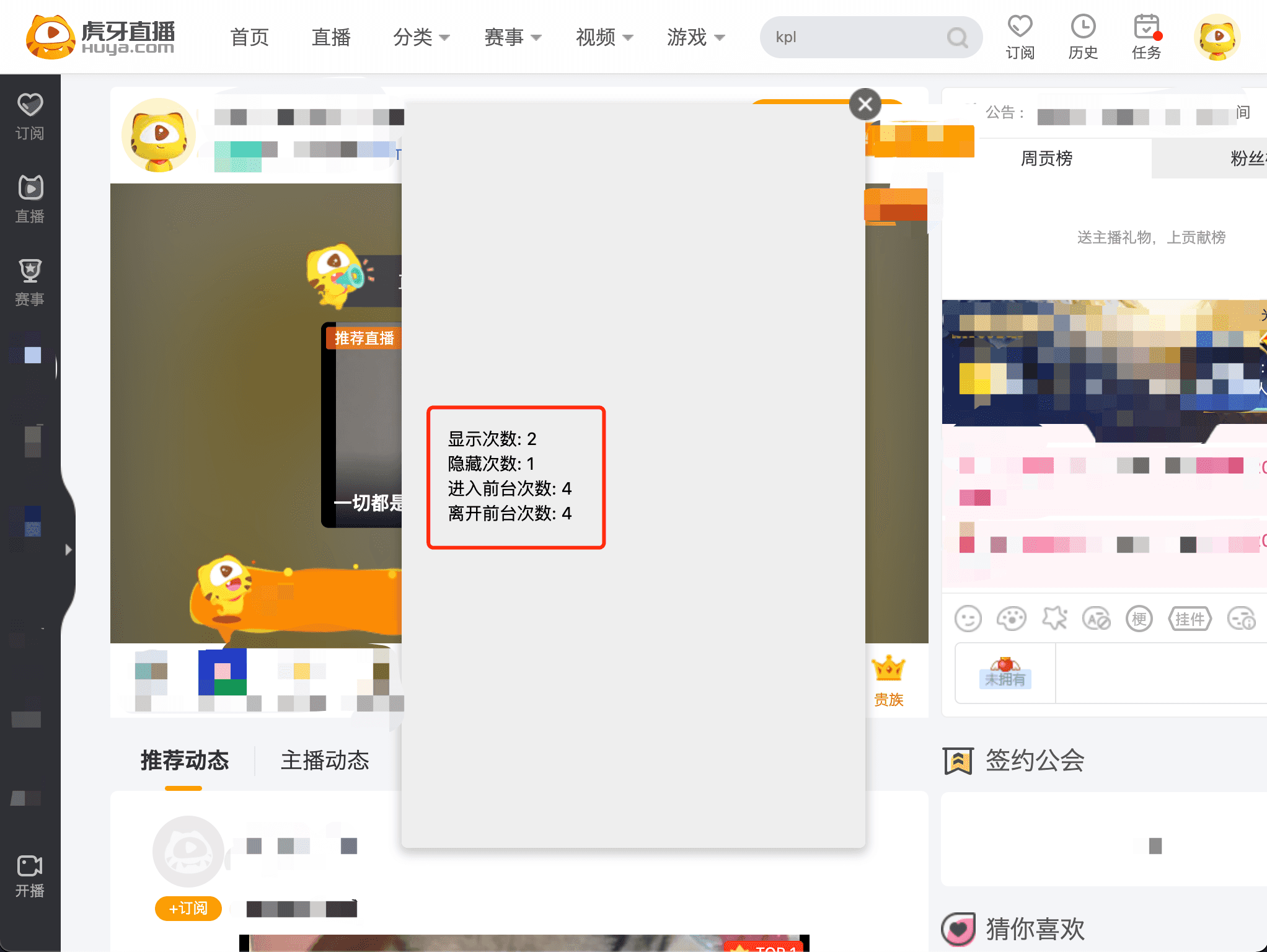
参考在直播间预览的方式,运行npm start,启动开发服务,在直播间添加开发版小程序,进入直播间,其中虎牙直播主站:
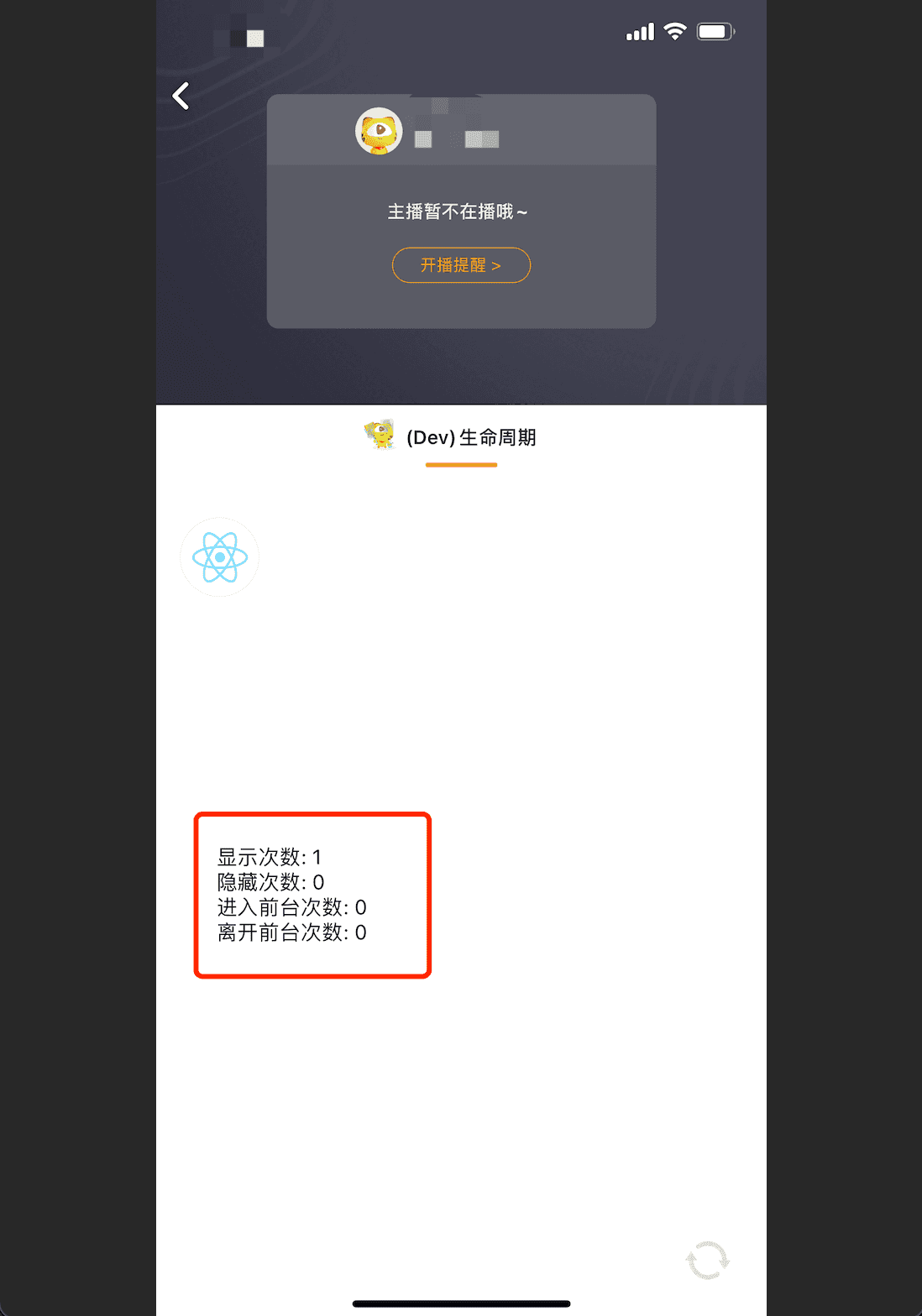
虎牙直播APP:
虎牙助手APP:
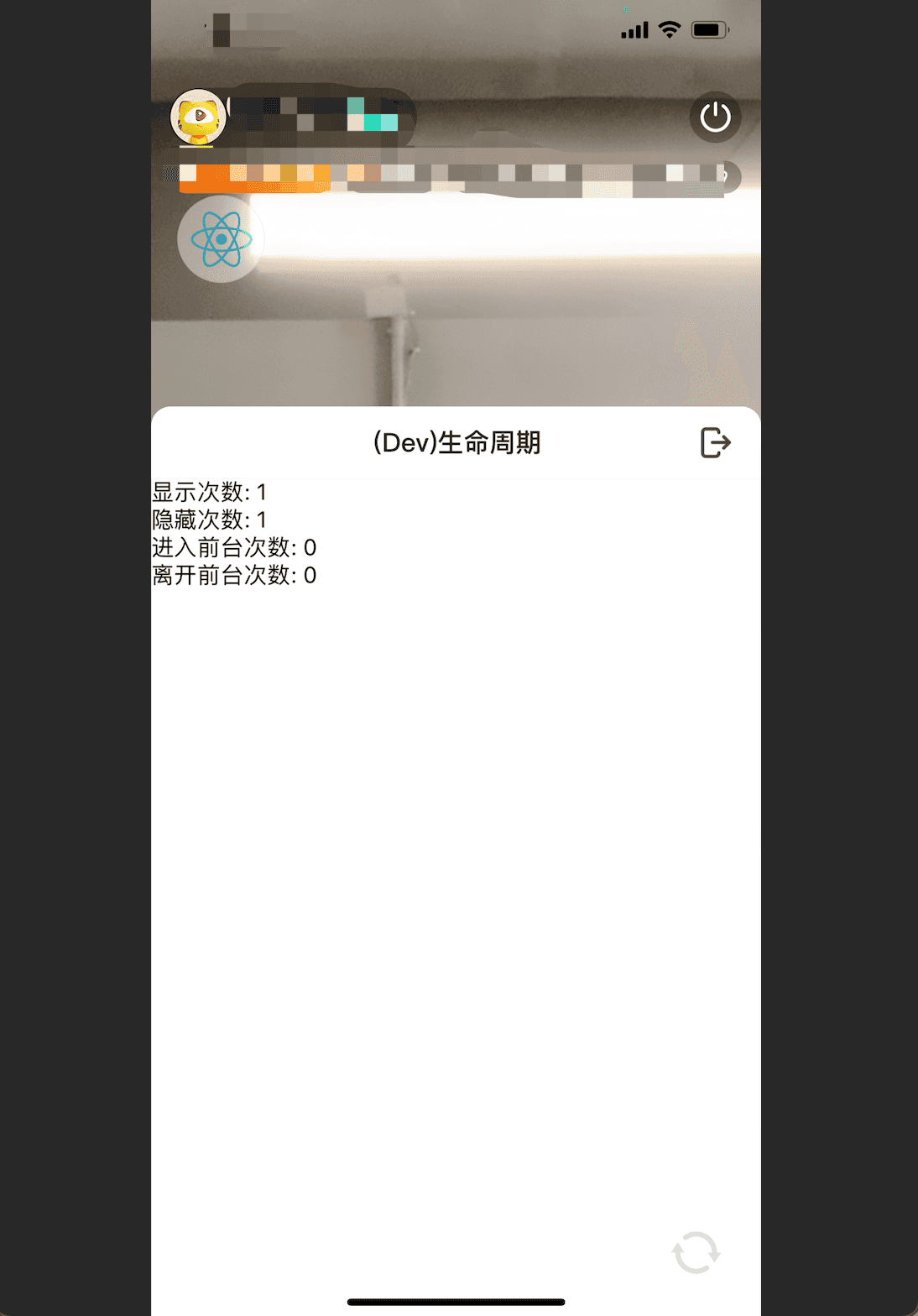
可以对小程序面板进行反复打开、关闭、退出,切换浏览器tab页或者把虎牙直播APP、虎牙助手APP退出/返回前台,看看这些计数发生的变化。各个生命周期在不同的平台上有一点差异,详情请参考相关接口的详细文档。